The AiEInkSmart ESL management system (model PPT-SW01) is the software that sends prices from your POS or ERP to every electronic shelf label in the store. It manages labels, base stations, label templates and product data for one store or many, runs on your own server or private cloud, and is sold as a one-time perpetual licence with no subscription.
It works with every AiEInkSmart label series — Swift, Classic, Lite, Slim and Rock, plus the freezer and waterproof models — through the AES-AP01 base station.
How a price change reaches the shelf
POS / ERP→REST API→ESL management system→MQTT→AES-AP01 base station→2.4 GHz / BLE 5.2→Electronic shelf label
Your business system pushes product data (code, name, barcode, price and up to 32 custom fields) to the management system. The system renders each label from its template, queues the update and sends it over MQTT to the base station that covers the label. The base station transmits on 2.4 GHz (2402–2480 MHz) using an encrypted proprietary protocol over BLE 5.2, and every label reports back its battery level, temperature and signal strength.
What you can do in the system
| Area | Functions |
|---|
| Dashboard | Store-level overview of labels, base stations and update status; switch between stores from one login. |
| Labels | Add a label by scanning its barcode (the model is recognised automatically); bind and unbind products; refresh one label or all labels; roll-call to discover labels in range; preview what a label shows; filter by model, binding, online/offline status and firmware version; view battery, temperature and signal. |
| Base stations | Register base stations by serial number, monitor online status, upgrade firmware remotely. |
| Templates | Browser-based template editor with text, images, barcodes and shapes; static fields for fixed text and dynamic fields bound to product data (price, promotion, unit price, origin and so on); one template per label size and colour. |
| Products | Add, edit and search product data by hand, or receive it from your POS/ERP through the API. |
| Administration | User accounts and permissions, operation logs, over-the-air firmware updates for labels. |
Deployment options
| Option | Best for | Notes |
|---|
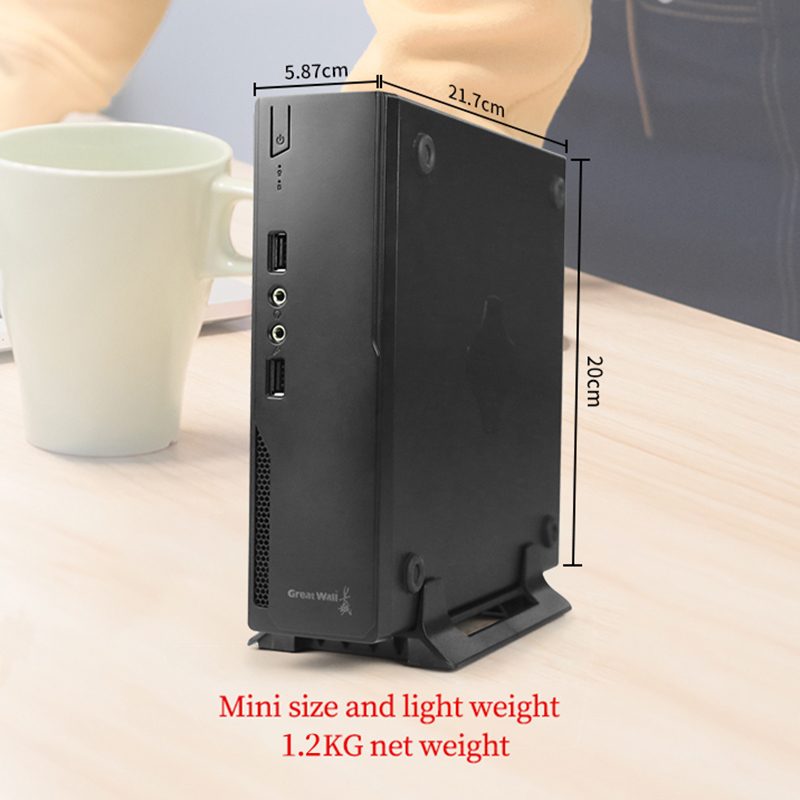
| On-premise server | Chains that keep store data in-house | Runs on Ubuntu 20.04 or later (or a compatible Linux distribution). Recommended server: 4-core CPU, 8 GB RAM, 100 GB disk. Includes the application server, database and MQTT broker; one-click installer and deployment manual supplied. |
| Private cloud | Multi-store retailers and integrators | The same software on your own cloud instance; base stations in each store connect over the internet. |
| Base station web console | Pilots, single stores, on-site setup | Every AES-AP01 base station has a built-in web console for label, product and template operations and for network setup. It keeps working without a server, which also makes it the fallback for on-site troubleshooting. |
Integration with POS, ERP and your own software
- REST API — token-based login, store lookup and product push. A Postman collection with 47 ready-made requests (labels, products, templates, base stations, logs) is supplied with the API reference.
- MQTT base-station protocol — for integrators who want to drive base stations directly from their own platform: label updates, templates and fonts, key distribution, time sync and status reports. Available as a separately licensed option with the Classic series.
- SDKs — Python, Java and Go libraries for developer teams (annual licence).
For a typical POS or ERP connection, the REST API is all you need: send product changes and the system takes care of rendering and delivery.
Base station planning
One AES-AP01 base station typically covers a radius of 20–25 m indoors. Ceiling mounting 3–5 m above the floor, at least 1 m from walls and away from metal racks, gives the best range. In larger stores, several base stations coordinate automatically, back each other up and let labels roam between them, so plan overlapping coverage. Shelving material changes the real range, so we recommend a short site survey before fixing the base-station count.
System at a glance
| Item | Specification |
|---|
| Software model | PPT-SW01 ESL management software |
| Licence | One-time payment, perpetual licence, no recurring fee |
| Interface | Web browser (no client installation) |
| Server OS | Ubuntu 20.04+ or compatible Linux |
| Integration | REST API, MQTT base-station protocol, SDKs (Python / Java / Go) |
| Base station | AES-AP01: 2.4 GHz proprietary protocol over BLE 5.2, Wi-Fi, Ethernet (RJ45), PoE |
| Supported labels | All AiEInkSmart ESL series (Swift, Classic, Lite, Slim, Rock, freezer, waterproof) |
| Certification | Base station and labels: CE-RED (see certificates) |
FAQ
Does the ESL management system need an internet connection?
No. You can install it on a server inside your own network, and each base station also has a built-in web console that works without a server. Internet access is only needed if you choose a cloud deployment.
Is there a monthly or yearly fee?
No. The management software is a one-time purchase with a perpetual licence. Optional extras such as SDK licences or engineering support are quoted separately.
Can it connect to my POS or ERP system?
Yes. Your POS or ERP pushes product and price data to the system through the REST API. Integrators who want to control base stations directly can use the MQTT protocol instead.
Which electronic shelf labels can it manage?
All AiEInkSmart label series — Swift, Classic, Lite, Slim and Rock, including the freezer and waterproof models — through the AES-AP01 base station.
How many base stations does a store need?
It depends on the floor plan and shelving. One base station typically covers a radius of 20–25 m indoors; send us your store layout and we will suggest a count.
Can the software carry our own brand?
Yes, for OEM projects. With the Lite series, the label housing, logo, packaging and software interface can all carry your brand.
Try it before you roll out. An
ESL demo kit includes ten labels in different sizes, a base station and mounting accessories, so your team can test price updates end to end. For integration questions or a deployment plan,
contact us.