Bank, insurance and financial-service branches use e-paper signs and labels for information that changes often and must be correct everywhere at once — rates, product terms, counter and staff names, and meeting-room bookings. Content is published centrally and reaches every branch display without printing, and the whole system can run on the institution’s own servers.
Where e-paper is used in a branch
| Use | Typical display | What it shows |
|---|
| Rate and product boards | 7.5"–13.3" e-paper signs | Deposit and loan rates, exchange rates, current product offers — updated from head office |
| Brochure and product stands | 2.9"–4.2" labels | Product name, key terms and a QR code linking to full conditions |
| Counters and desks | 2.9"–4.2" desk signs | Counter number, service type and the staff member on duty |
| Meeting and advisory rooms | 7.5" door signs | Room name, today’s bookings and whether the room is free |
| Notices | 10.2"–13.3" signs | Opening hours, holiday closures, service notices |
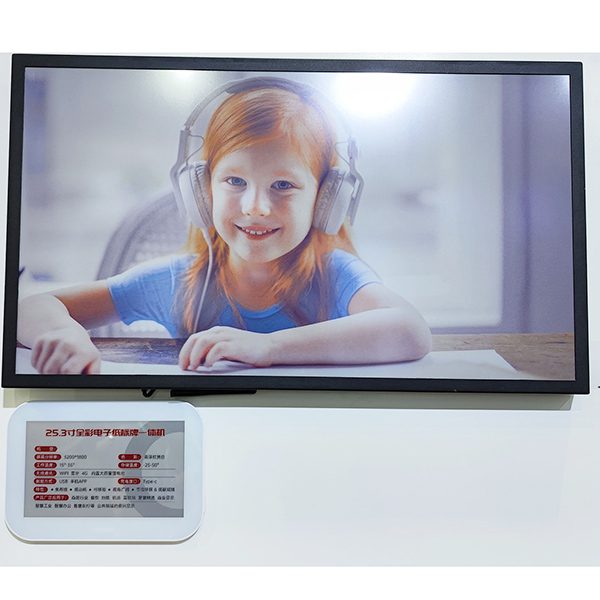
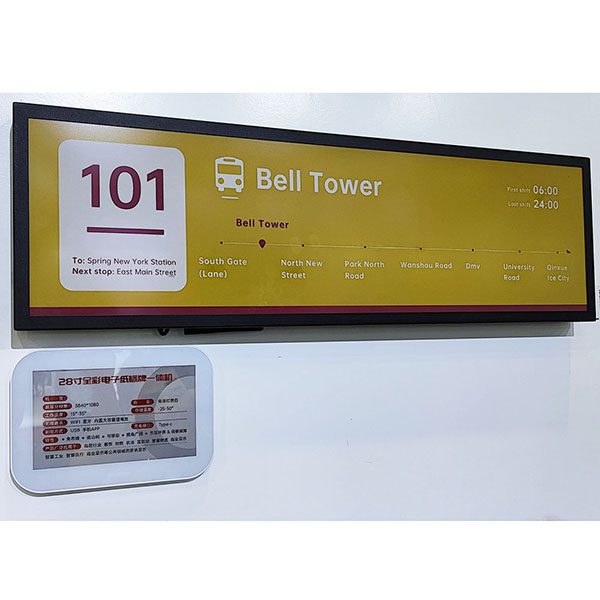
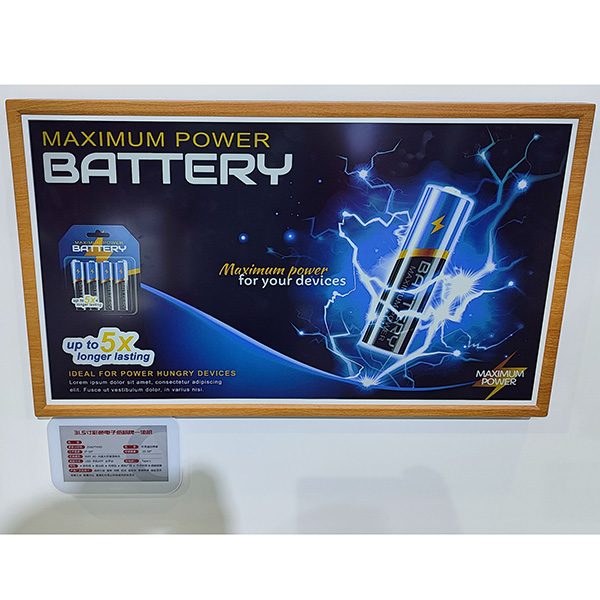
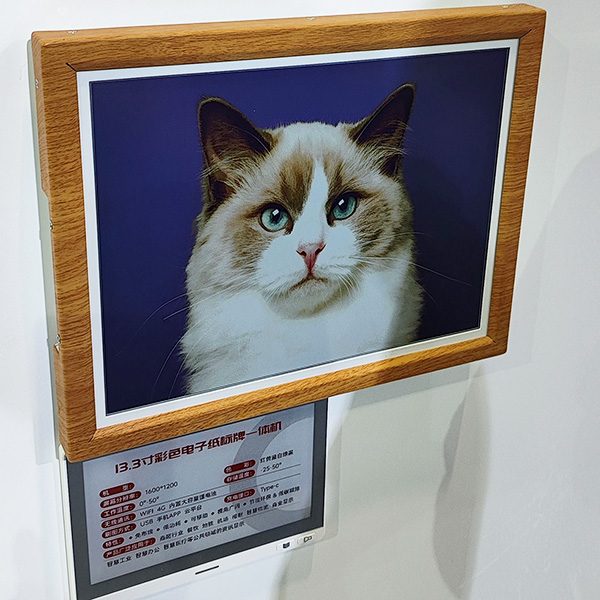
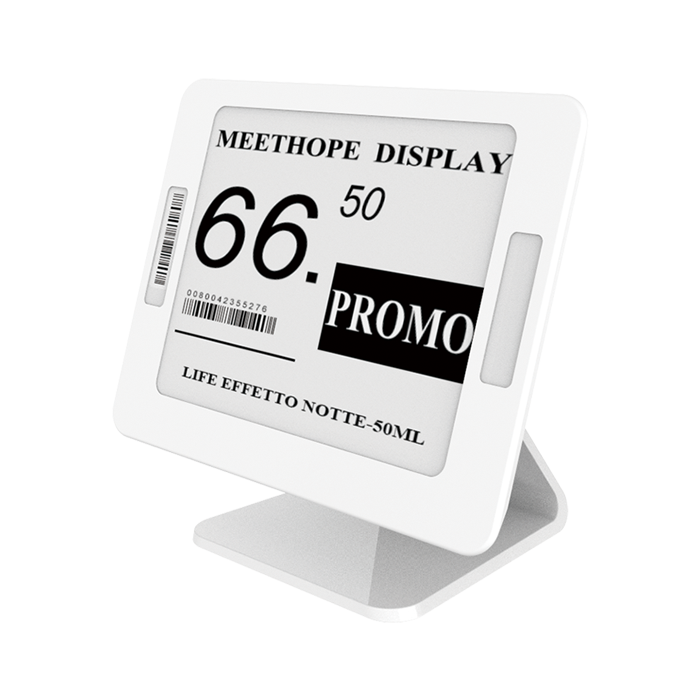
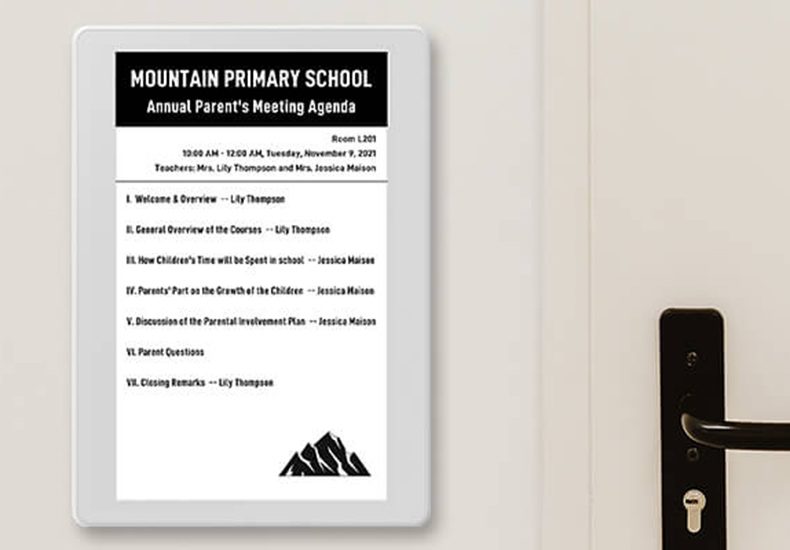
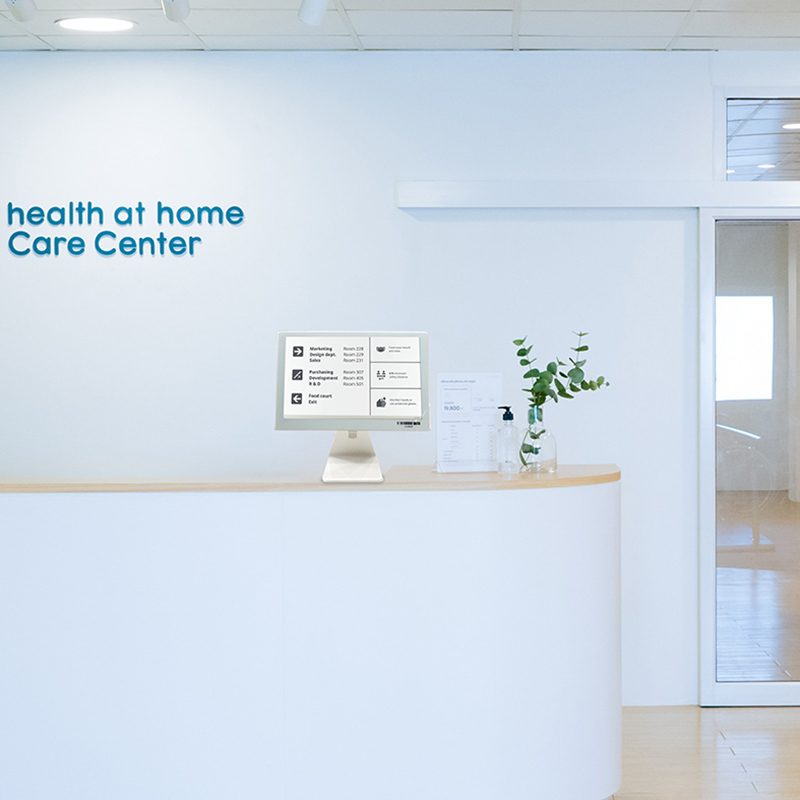
Product illustrations.
Why e-paper fits financial institutions
- Consistent information — one update from head office changes every branch display, so customers never see an outdated rate or condition.
- Fewer printed materials — rate sheets and notices no longer need to be printed, distributed and replaced in every branch.
- No cabling in the branch — battery-powered displays can be placed on counters, stands and doors without electrical work or construction.
- Calm, paper-like look — no backlight or glare, suitable for counters and advisory rooms.
- Low energy — e-paper uses power only when the content changes.
Security and IT considerations
Financial institutions have strict IT requirements, and the system is designed to fit them:
- On-premise deployment. The ESL management system can be installed on your own servers (Ubuntu 20.04 or later), so no content or data leaves your network.
- Separate radio network. Displays talk to ceiling-mounted base stations on 2.4 GHz over an encrypted proprietary protocol with key management; they do not join the branch Wi-Fi.
- Wired base stations. Base stations connect by Ethernet with PoE, so they can sit on a segregated network segment.
- Controlled access. User accounts and permissions in the software, with operation logs of who changed what.
- Certified hardware. Displays and base station hold CE-RED certificates (certificates).
How content gets to the branches
Head office system→ESL management system→Branch base station→Displays
Rates and product information usually already live in a central system. That system sends the values — for example a rate table or the terms of a current offer — to the management system through the REST API, and each display is bound to a template that lays out the content. When head office publishes a change, every branch display that uses that data updates. Branch staff can manage local items, such as the counter sign showing who is on duty or a meeting-room booking.
Templates are designed once in the browser-based editor: a rate board template, a product-stand template with a QR code, a counter template, a room template. Using the same templates in every branch keeps the look consistent with your brand.
A pilot plan for one branch
- Choose the displays to test: for example one rate board, two product stands, counter signs and a meeting-room sign.
- Install one base station — a single AES-AP01 typically covers a branch.
- Set up the software on a test server and design the templates.
- Connect a data source, or enter content manually for the pilot.
- Run the pilot for a few weeks and collect feedback from staff and customers before planning further branches.
A pilot can start with an ESL demo kit plus the larger signs you want to test. See also e-paper display signage (including meeting room signs and notice boards).
Branch formats
- Retail bank branches — rate boards near the entrance, product stands in the waiting area, counter and advisory-room signs.
- Insurance and financial-advice offices — product information stands and meeting-room signs for client appointments.
- Currency-exchange counters — exchange-rate boards updated several times a day from a central rate feed.
- Credit unions and cooperative banks — notices and rate information across many small branches, maintained centrally.
Template ideas for branches
- Rate board: product, term and rate in a table, with an “effective from” date and time.
- Exchange-rate board: currency, buy and sell rates, and the last update time.
- Product stand label: product name, the headline condition and a QR code to the full terms.
- Counter sign: counter number, services offered and the staff member on duty.
- Advisory-room sign: room name and appointment status, without client names.
Showing an “effective from” time on every rate display makes it clear to customers and staff which values are current.
Accuracy and traceability
Rates and conditions shown in a branch must match what the institution has published. Because e-paper displays receive their values from the same central system that publishes the rates, branches cannot show an outdated printed sheet. The management system keeps operation logs of who changed what and when, which supports internal control and review. For regulated disclosures, keep the full terms on the product documentation and use the display for the headline information with a reference to where the full terms are available.
What drives the cost
The budget depends on the number of branches and displays per branch, the display sizes (rate boards are the largest), one base station per branch in most cases, mounting stands and brackets, the software licence and the integration with your rate or content system. A one-branch pilot gives a realistic basis for a network plan.
FAQ
Can e-paper displays show bank rates?
Yes. Larger e-paper signs can show rate tables and product offers; head office publishes the update once and every branch display changes.
Does the system need a cloud connection?
No. The management software can run on the bank’s own servers, and the displays talk only to the base stations in the branch.
Do the displays connect to the branch Wi-Fi?
No. They use a separate encrypted 2.4 GHz radio link to the base station, which connects to your network by Ethernet.
Can we start with one branch?
Yes. A pilot with a few displays and one base station is the usual first step; we help plan content templates and placement.
Planning a branch pilot? Tell us which displays you have in mind — rate boards, counter signs or room signs — and we will propose sizes and a test setup, or start with an
ESL demo kit.