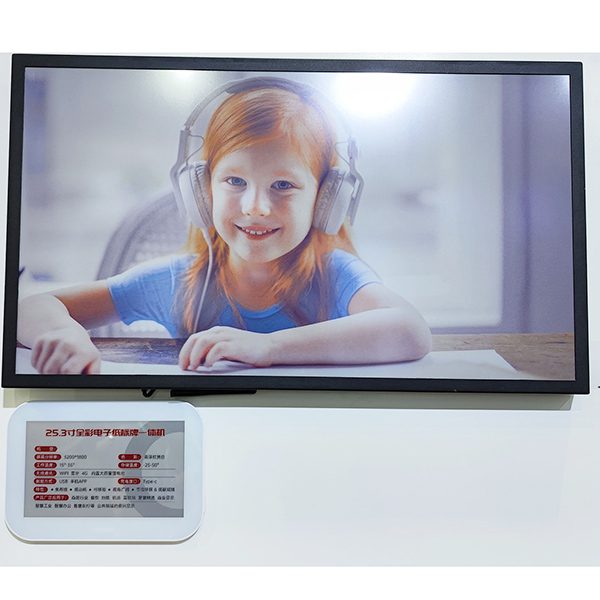
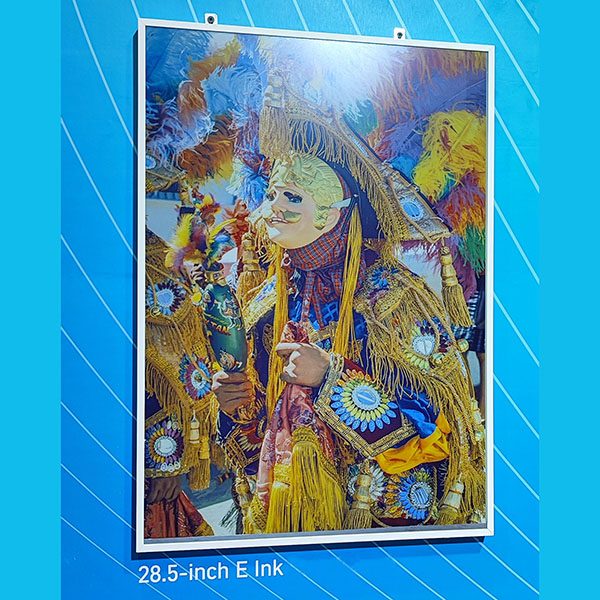
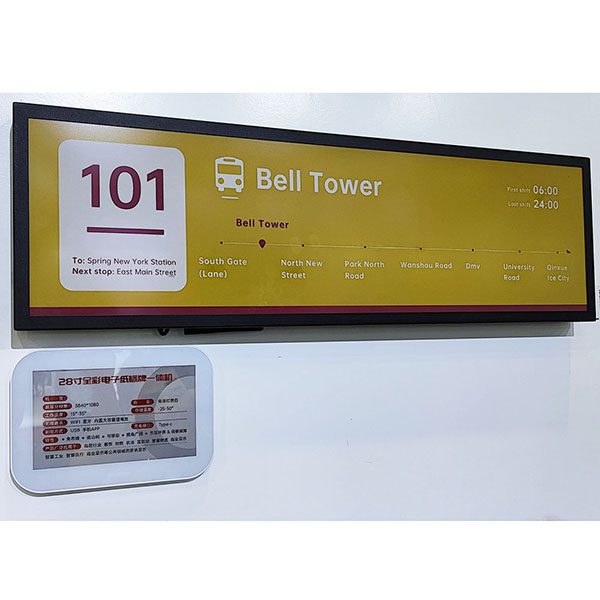
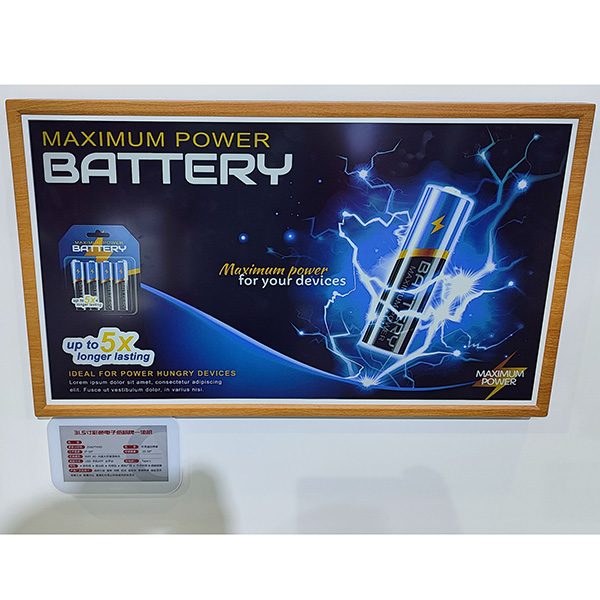
In galleries, exhibition halls, venue shops and event spaces, electronic labels and e-paper signs replace printed cards that change with every exhibition, season or booking. They need no cabling, stay readable in bright light and are updated from one system — so a new price list, exhibit description or room schedule reaches every display at once, and the same hardware is reused for the next show.
Where they are used
- Galleries and exhibition halls — small labels next to each piece with its name, artist or origin and price.
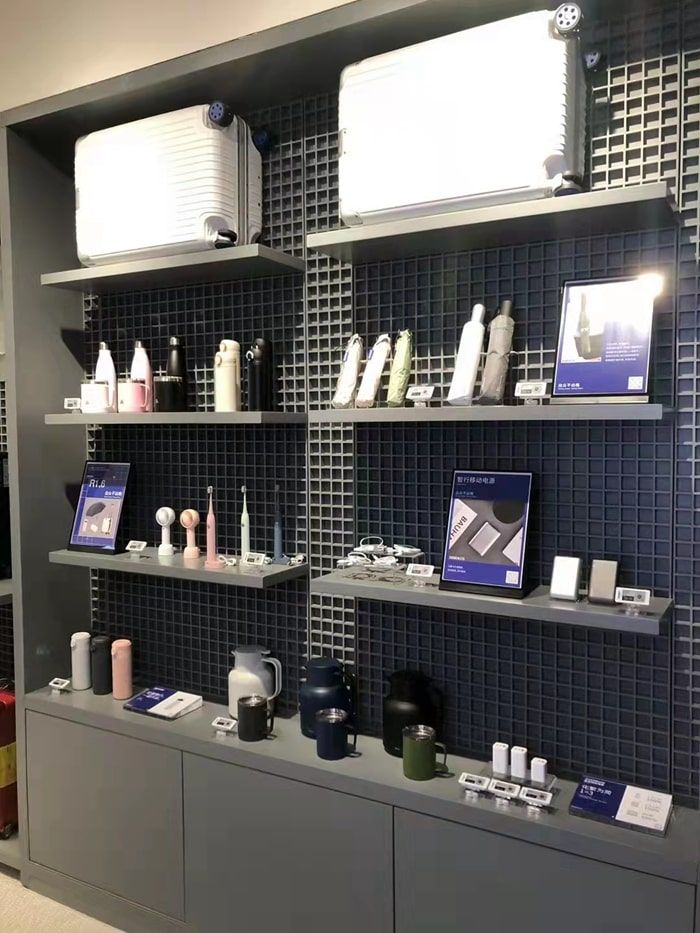
- Museum, zoo and attraction shops — shelf labels for souvenirs and merchandise, changed for each season or exhibition.
- Trade shows and showrooms — product and price labels on stands that can be reused at the next show.
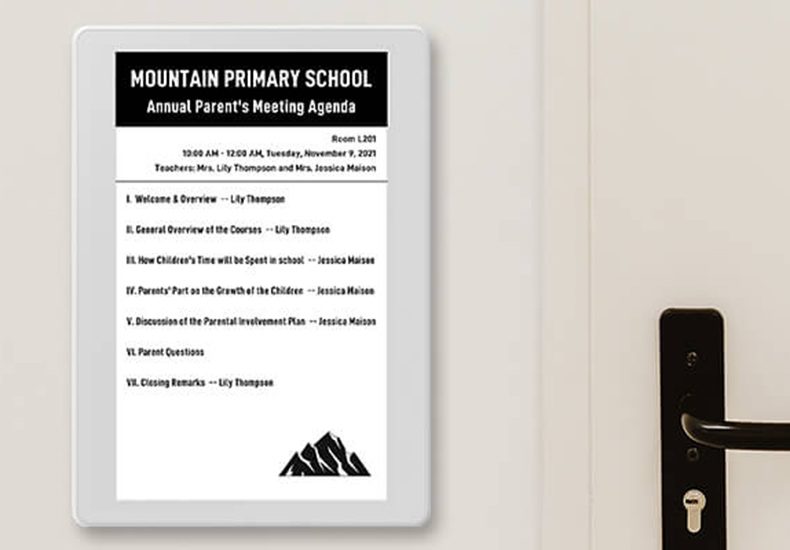
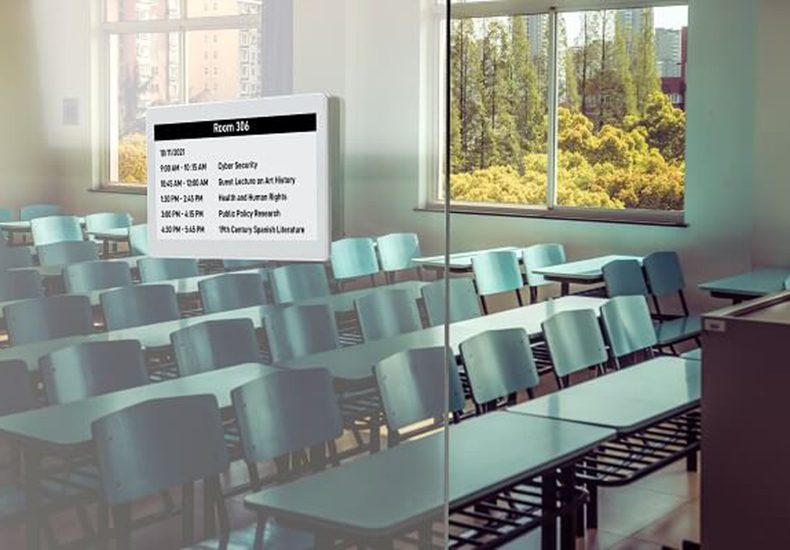
- Meeting rooms and event venues — e-paper door signs with the day’s programme, and desk signs at registration and help desks.
- Visitor information — opening hours, notices and directions on e-paper signs.
Why e-paper fits public spaces
- No cabling — battery-powered labels and signs can be placed on any shelf, plinth, table or door, including listed buildings where wiring is restricted.
- Readable in daylight — e-paper reflects light like paper, with no glare and a wide viewing angle.
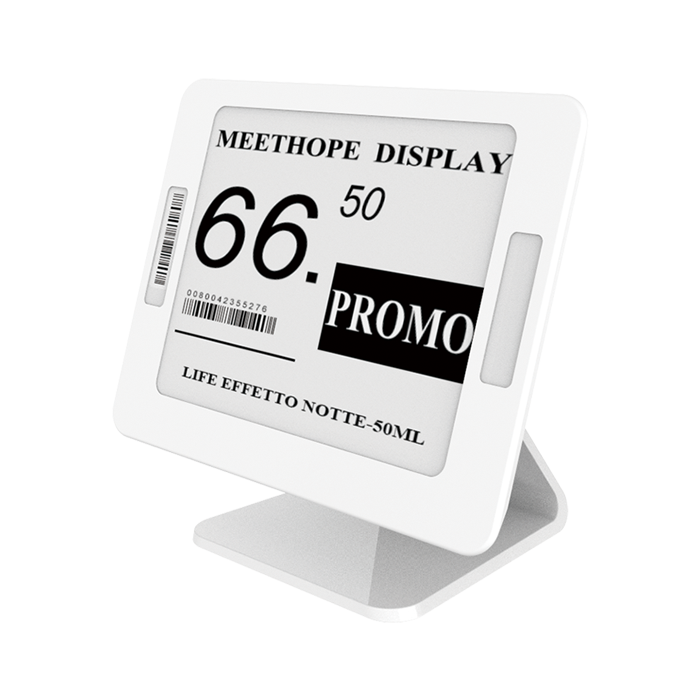
- Quiet design — small white or black housings that do not compete with the objects on display.
- Reusable — labels are rebound to new content for every exhibition, so there is nothing to print and throw away.
- One system for everything — object labels, shop labels and door signs are managed from the same ESL management system. Classic, Lite, Slim and Rock use AES-AP01 base stations; Swift labels use their own Swift base station.
About the example below: this project was delivered in 2022 by our founder Panda Wang and members of our team, before the AiEInkSmart brand launched in 2024. The customer’s name is withheld.
Example: ceramics gallery, Jingdezhen, China
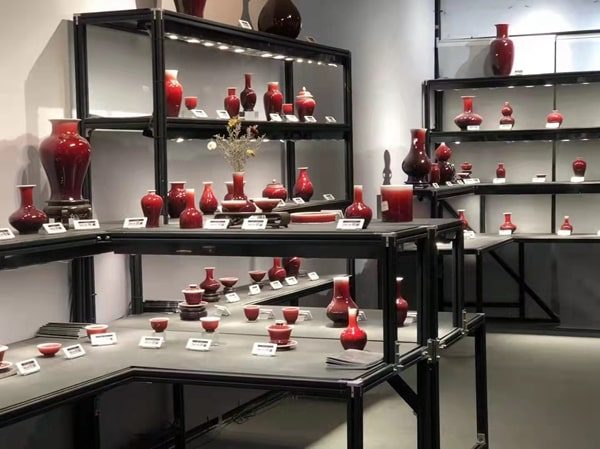
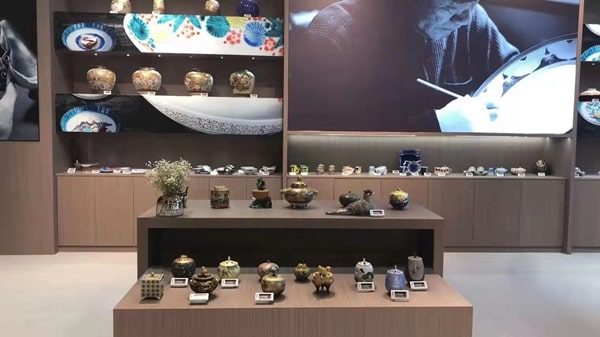
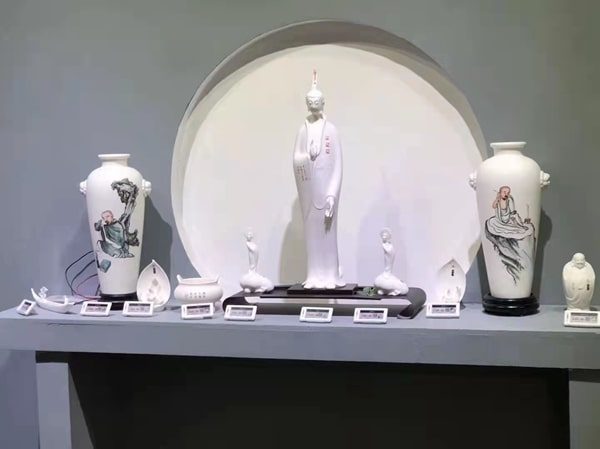
A ceramics gallery in Jingdezhen, China’s porcelain capital, displays a large collection of individual pieces — vases, tea sets and figurines — on open shelving and display tables. A small electronic label sits in front of each piece with its name and price. When pieces are sold, moved or re-priced, the labels can be updated from the system instead of reprinting cards, and the minimal e-paper labels keep the focus on the ceramics.
In a gallery the label is part of the presentation. Small sizes (1.54"–2.13") placed at the foot of each object, with short text and a clear price, look closer to a museum caption than a supermarket tag. Where a piece needs more context — the artist, the kiln or the technique — a QR code on the label can link to a full description.
One small label per object, at the foot of each piece.
Museum, zoo and attraction shops
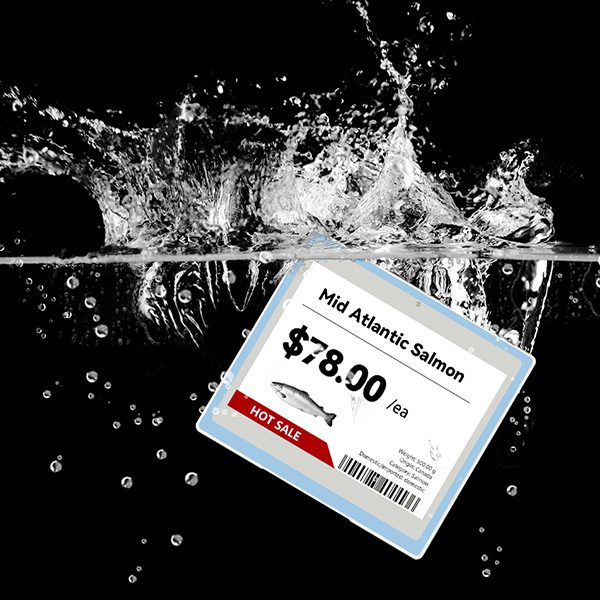
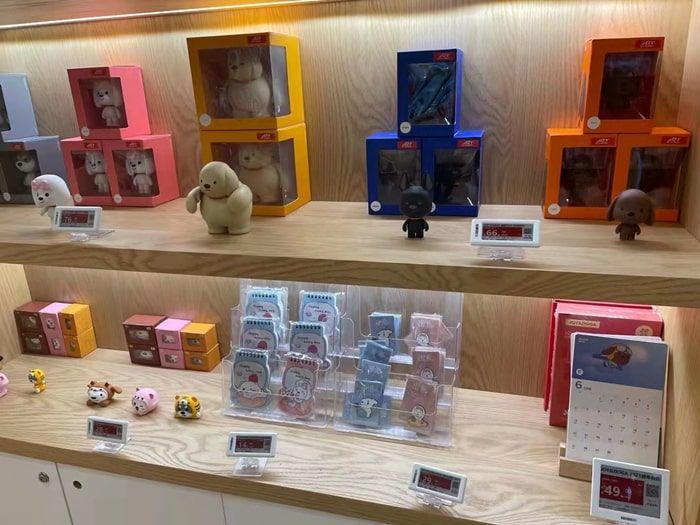
Shops at museums, zoos, aquariums and theme parks change their range with each exhibition, season and event, often with themed merchandise sold for only a few months. Electronic shelf labels let the shop team switch prices and product names centrally, run promotions for members or during events, and keep the shop looking tidy without temporary paper tags. Because these shops typically sell plush toys, apparel, mugs and books on varied fixtures, a mix of 2.13" shelf-edge labels and 4.2" labels on stands and baskets works well.
Shelf labels on gift and merchandise displays.
Events, exhibitions and trade shows
At trade shows and temporary exhibitions, labels and signs travel with the stand. Before each show the content is prepared in the system — product names, prices for the local market, show offers — and the same hardware is mounted again on site. Larger labels or e-paper signs on the stand can show a programme of demonstrations or presentations.
- Reusable product labels for every show, with prices in the local currency.
- Session signs at meeting rooms with the programme for the day.
- Registration and help-desk signs that change between sessions.
E-paper signs for rooms and reception desks
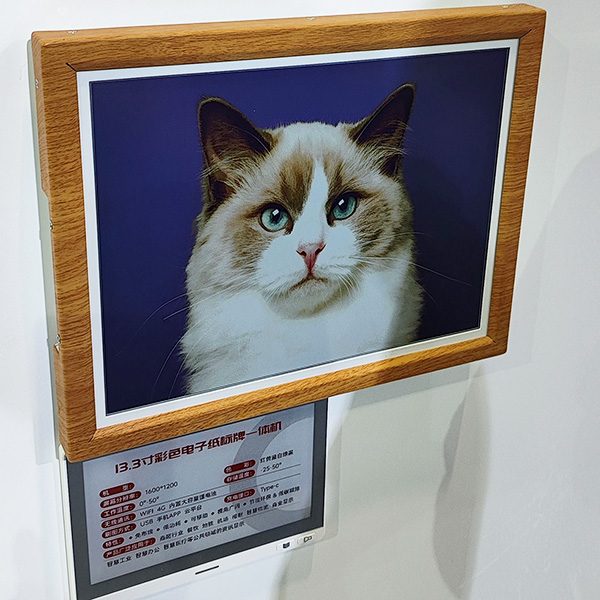
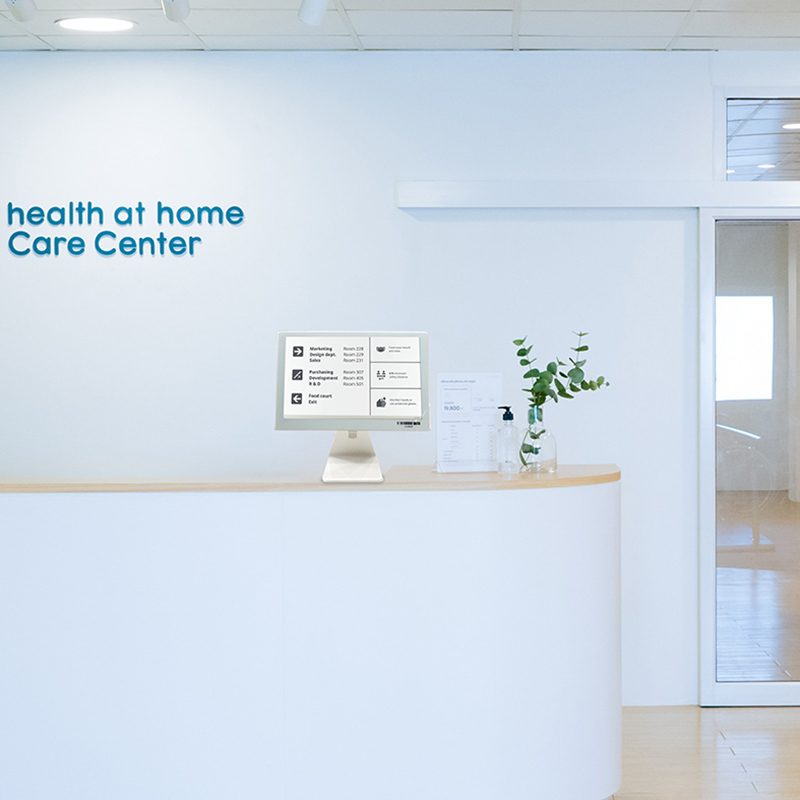
The same system drives larger e-paper displays: a 7.5" door sign can show a meeting room’s or classroom’s schedule for the day, and a desk sign can greet visitors at a reception. See e-paper display signage (including meeting room signs and notice boards).
Product illustrations.
Which sizes to use
| Position | Suggested size | Typical content |
|---|
| Object labels in galleries | 1.54" – 2.13" | Title, origin or artist, price, QR code |
| Shop shelves | 2.13" – 2.9" | Product, price, member price |
| Stands, baskets and tables | 4.2" | Product group and price |
| Doors and registration desks | 7.5" | Programme, room name, welcome |
| Information boards | 10.2" – 13.3" and larger | Opening hours, notices, directions |
Museums and heritage sites
Museums have long used printed captions, and for permanent displays a well-designed printed caption is hard to beat. Electronic labels become useful where content changes: temporary exhibitions, rotating loans, objects for sale in a gallery or museum shop, and visitor information such as opening hours and room closures. In heritage buildings, where drilling and cabling are restricted, battery-powered labels and signs can be placed on plinths and stands without any installation work.
For object labels, choose white housings and short text, place the label where it does not compete with the object, and use a QR code for longer interpretation in several languages instead of crowding the label.
Readability and accessibility
- Contrast: e-paper shows black text on a white background with a viewing angle above 170°, readable under gallery spotlights and in daylight.
- Type size: keep titles and prices large; visitors read labels from a step away and at an angle.
- Languages: two languages fit on 2.9" and larger labels; for more, use a QR code to a multilingual page.
- Placement height: place labels and signs where they can be read by visitors who are seated or using a wheelchair, as you would printed captions.
Template ideas
- Object label: title, maker or origin, date or material, and price if for sale.
- Shop label: product, price and member price, with a seasonal or event flag.
- Room sign: room or hall name, current exhibition or session, and times.
- Visitor information: opening hours, closures and directions on a larger e-paper sign.
Setting up for an exhibition
- Prepare the object or product list with the text for each label in the management system.
- Bind each label to its object by scanning the label’s barcode and choosing the object.
- Place labels and check the view from the visitor’s position.
- During the exhibition, update prices or mark items as sold from the system.
- When the exhibition ends, collect the labels and rebind them for the next one.
One AES-AP01 base station typically covers a 20–25 m radius indoors; large halls and thick walls need more. A pilot with an ESL demo kit in one room is the easiest way to test placement and coverage.
FAQ
Can electronic labels be used in galleries and museums?
Yes. Small labels sit in front of each piece and show its name, origin or price; the text is changed centrally whenever the display changes.
Do e-paper door signs need a power cable?
No. They run on batteries and only use power when the content changes, so they can be mounted on any door or wall.
Can we reuse the labels for different events?
Yes. Labels and signs are rebound to new content in the management system, so the same hardware serves the next exhibition, show or season.
Can one system manage object labels, the shop and room signs?
Yes. All of them are managed from the same software. Classic, Lite, Slim and Rock share the AES-AP01 base station. Swift labels use their own Swift base station, so combining Swift with another series needs both.
Running a gallery, venue shop or event space? Tell us how many items and rooms you want to label and we will suggest sizes and a setup, or start with an
ESL demo kit.