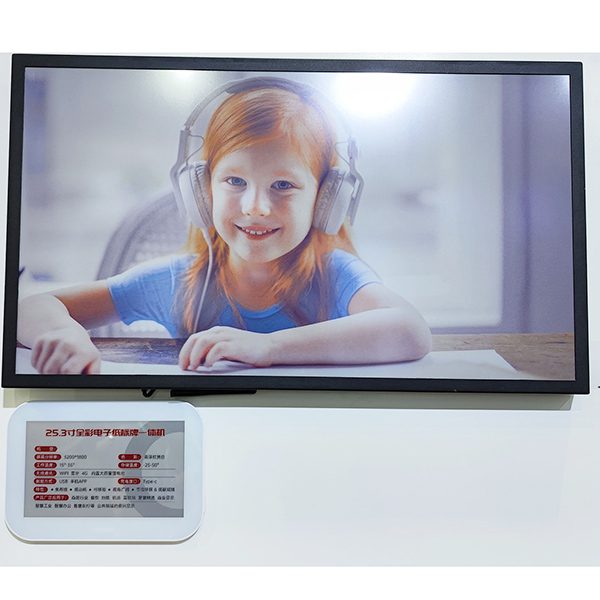
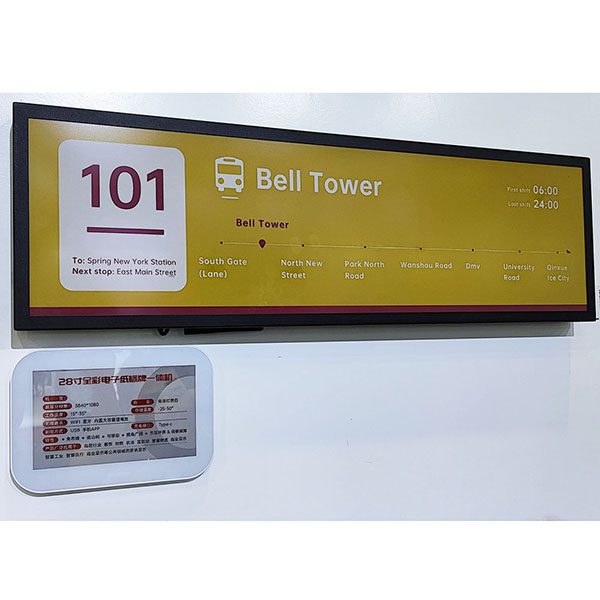
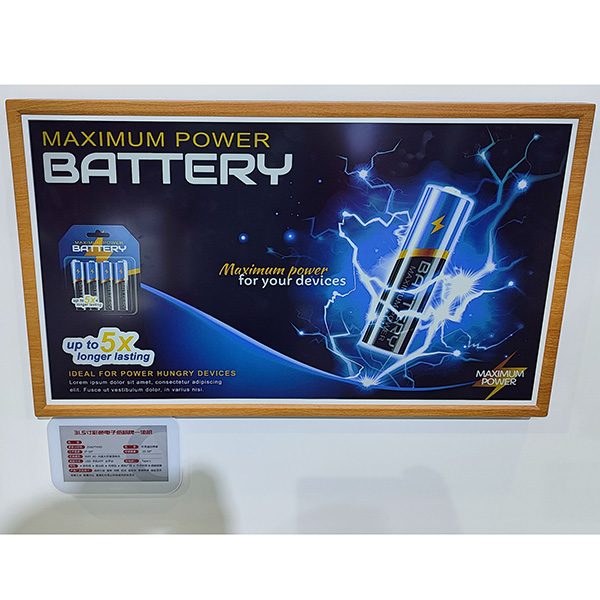
In offices, schools and universities, e-paper signs replace the printed sheets taped to meeting-room doors, classroom notices and desk name cards. A battery-powered e-paper display shows the room’s schedule, who sits at a desk or what is on today, updated from a calendar or booking system. The same platform also runs electronic shelf labels in campus shops, canteens and libraries.
Why e-paper for offices and campuses
- No cabling — signs run on batteries for long periods, so they can be mounted on glass walls, doors and desks without electrical work.
- Always current — schedules and notices update from the system, so the door never shows last week’s booking.
- Readable and calm — e-paper looks like printed paper, with no backlight or glare in meeting rooms and classrooms.
- Low energy — power is used only when the content changes.
- One system for many uses — door signs, desk signs and shelf labels are managed from the same software. Classic, Lite, Slim and Rock share the AES-AP01 base station; Swift labels use their own Swift base station.
Offices: meeting rooms, desks and reception
Meeting-room door signs. A 7.5" e-paper sign next to the door shows the room name, the current meeting and the next bookings, and whether the room is free. Updated from the booking system, it removes the printed schedule that is out of date by mid-morning and helps people find a free room without opening the calendar.
Desk and hot-desk signs. Small e-paper signs on desks show who is sitting there or that the desk is free, which is useful in offices with flexible seating. Content changes when a booking changes.
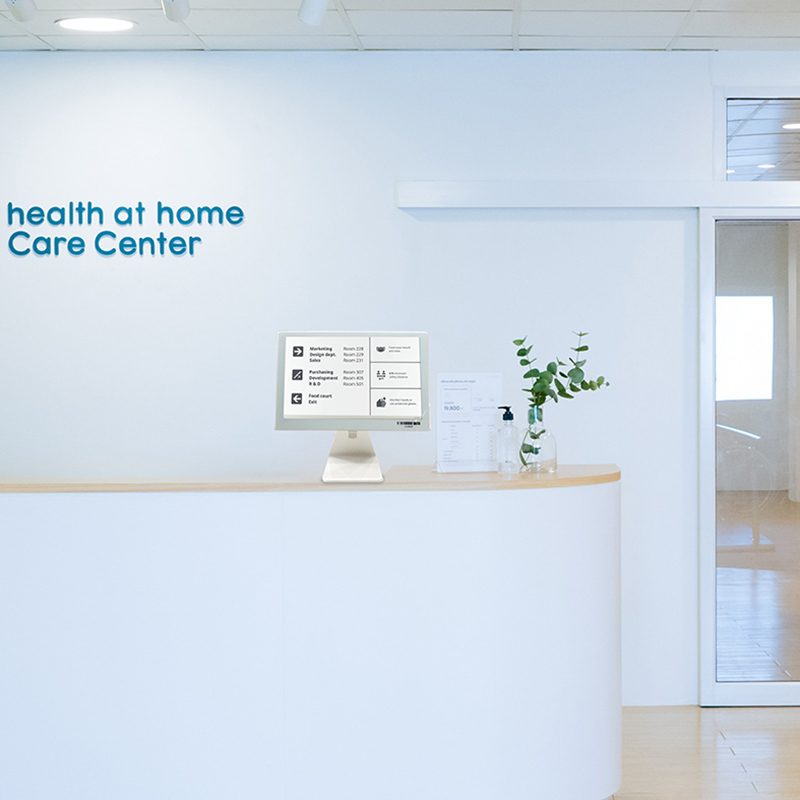
Reception and information points. A desk sign at reception can welcome visitors, show the day’s visitors or opening hours, or point the way to meeting rooms.
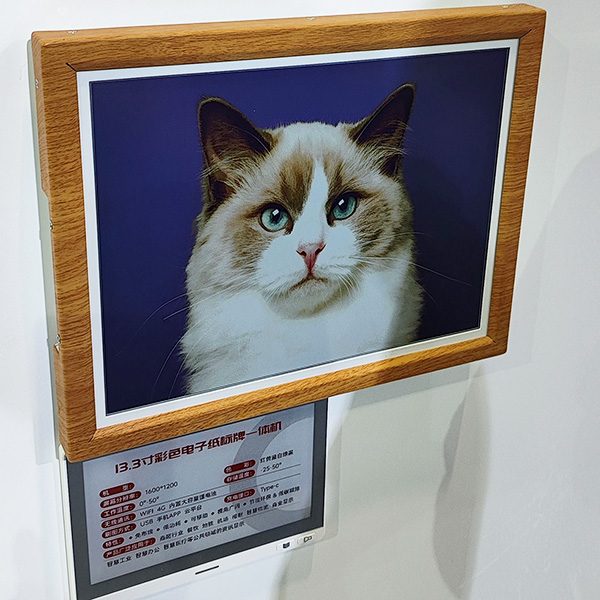
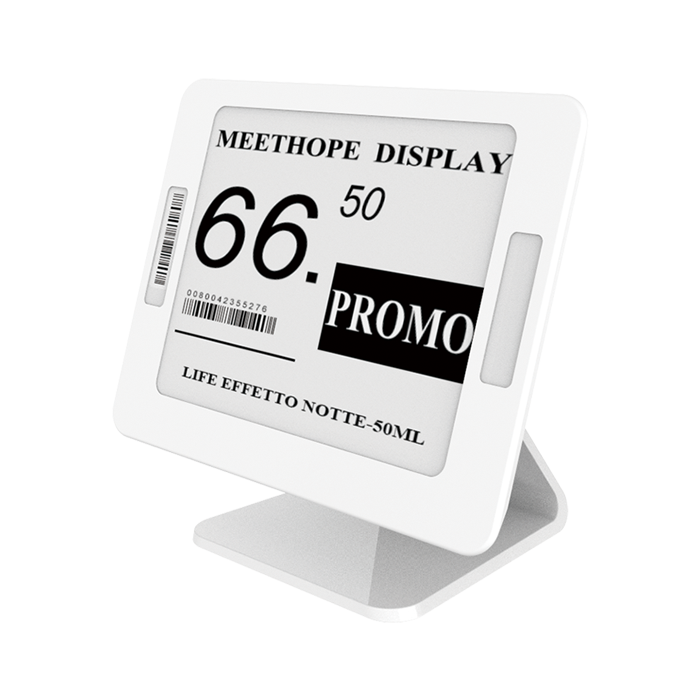
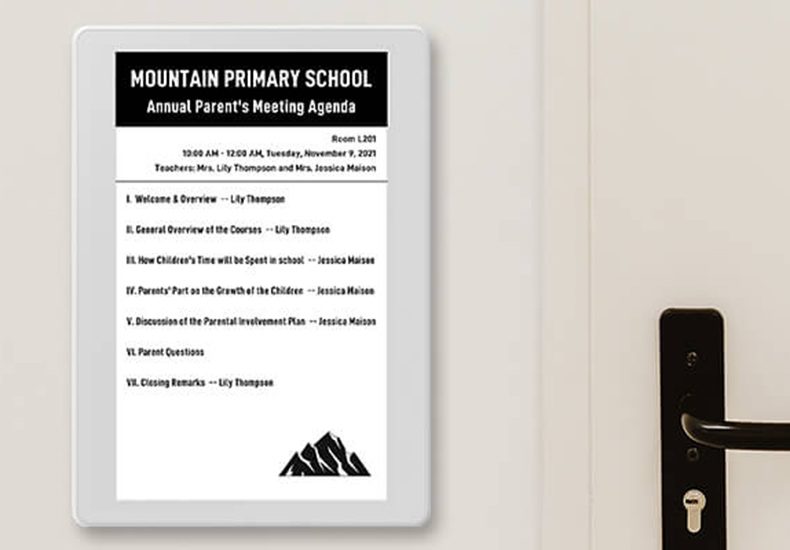
Product illustrations: room schedule sign and reception sign.
Schools and universities
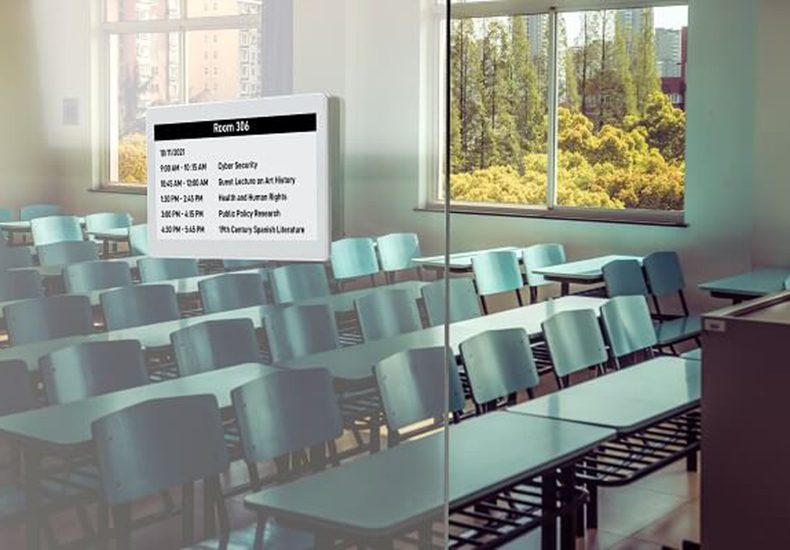
Classroom and lecture-hall signs. A door sign shows today’s timetable for the room: course, teacher and time slot. Room changes and cancellations are published once and appear at the door, so students do not rely on printed notices.
Event and exam rooms. Signs announce parent meetings, exams or events with the agenda and time, and switch back to the regular timetable afterwards.
Staff offices and labs. Door signs show office hours, who is in, or lab safety information and booking status.
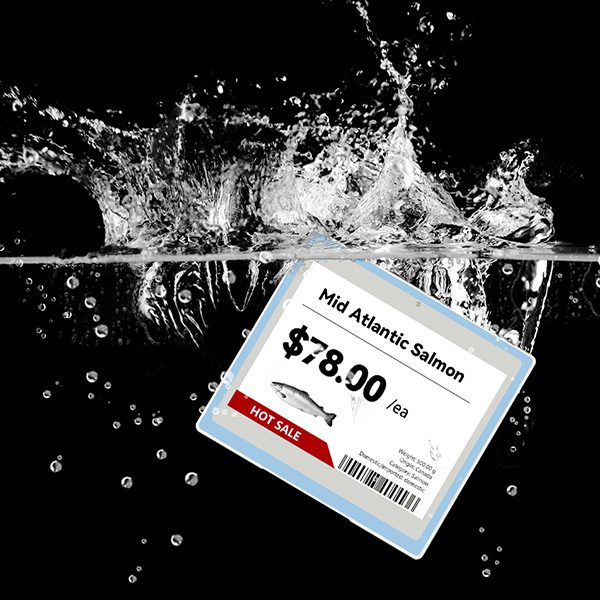
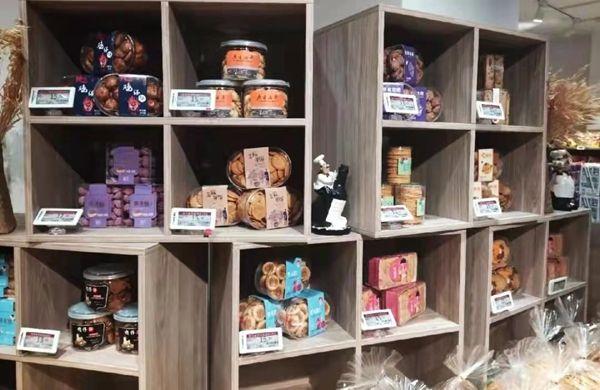
Product illustration of a classroom schedule sign; electronic labels on open shelving.
Campus shops, canteens and libraries
- Campus shops and stationery stores — standard shelf-edge labels exactly as in retail, managed centrally (see retail).
- Canteens and cafés — dish and price labels on counters, with allergen information, changed each service (see food & hospitality).
- Libraries and resource rooms — shelf labels for subject ranges and call-number ranges, updated when collections are reorganised.
- Storage and labs — location labels for equipment and consumables, as in a warehouse.
How it works
Calendar / booking / campus system→ESL management system→Base stations→Door signs & labels
Signs and labels talk to a ceiling-mounted base station on 2.4 GHz over BLE 5.2. Classic, Lite, Slim and Rock use the AES-AP01 base station; Swift labels use their own Swift base station. One base station typically covers a radius of 20–25 m indoors, so a corridor of meeting rooms or classrooms usually needs only one or two. The ESL management system holds the templates and receives data from your systems through the REST API — for example the room schedule from a booking system or timetables from a campus system. It runs on your own server, which suits organisations that keep data in-house.
Templates are designed once in the browser-based editor: a meeting-room template with room name, current meeting and next bookings; a classroom template with the timetable; a reception template with a welcome message. Each sign is then bound to its room or desk.
Which displays to use
| Use | Suggested size | Typical content |
|---|
| Meeting-room and classroom doors | 7.5" | Room name, current and next bookings |
| Desk and hot-desk signs | 2.9" – 4.2" | Name or “free”, department |
| Reception and information | 4.2" – 7.5" | Welcome message, opening hours, directions |
| Notice boards | 10.2" – 13.3" and larger | Notices, menus, events |
| Campus shop and library shelves | 2.13" – 2.9" | Product or shelf range |
See meeting room signage and e-paper display signage for formats and mounting options.
Planning a deployment
- List the rooms, desks and notice points you want to cover, by floor.
- Decide which system provides the data — booking, timetable or manual entry.
- Pilot one corridor with a base station and a few signs.
- Design the templates and connect the data source through the API.
- Mount the signs and base stations, then roll out floor by floor.
Flexible offices and hot-desking
As more companies move to shared desks, people need to know which desks and rooms are free without opening an app. Small e-paper signs on desks show the name of the person who has booked the desk, or that it is free, and update when bookings change. Meeting-room signs at the door show whether the room is in use and when it becomes free. Because the signs need no cables, they can be added to existing furniture and moved when the floor is reorganised.
The data comes from whichever booking tool you use. The tool, or a small connector written by your IT team or integrator, sends room and desk data to the ESL management system through the REST API; the system then updates the signs. If you do not have a booking system, content can also be maintained manually in the management system for a pilot.
Template ideas for offices and campuses
- Meeting-room sign: room name and capacity, current meeting, next two bookings, and a QR code to book the room.
- Classroom sign: room number, today’s timetable by period, and a notice line for changes.
- Desk sign: name and team, or “free” with the next booking time.
- Office door sign: name, role, office hours and whether the person is in.
- Event sign: event title, agenda, speakers and time, switched back to the regular template afterwards.
Use the same layout on every door so people learn where to look, and keep the room name and status large enough to read from the corridor.
Schools: practical notes
- Timetable changes are the main use: room swaps, substitutions and cancellations are published once and appear at every affected door.
- Exam periods use a different template with the exam, time and rules, and switch back afterwards.
- Durability: signs are mounted at adult height on walls or doors; the ABS + PC housing withstands everyday knocks.
- Energy and maintenance: no power supply is needed at the door, and the system reports battery levels so replacements can be planned during holidays.
Sustainability
Printed room schedules, notices and desk cards are small individually, but across a large office or campus they add up to a steady stream of paper and toner, much of it outdated within a day. E-paper signs remove that printing entirely and use energy only when their content changes, so a sign that is updated a few times a day runs for a long time on its batteries.
FAQ
Do e-paper door signs need a power cable?
No. They run on batteries and only use power when the content changes, so they can be mounted on doors, walls and glass without wiring.
Can door signs show our meeting-room bookings?
Yes. Booking data is sent to the management system through the REST API and each sign shows its room’s current and next meetings.
How many base stations does an office floor need?
One base station typically covers a radius of 20–25 m indoors; walls and glass partitions shorten this, so a floor usually needs one or two.
Can the same system manage shelf labels in our campus shop?
Yes. Door signs and shelf labels are managed from the same software. Classic, Lite, Slim and Rock share the AES-AP01 base station. Swift labels use their own Swift base station, so combining Swift with another series needs both.
Planning signs for an office or campus? Tell us how many rooms, desks and notice points you want to cover and where the data comes from, and we will suggest a pilot — or start with an
ESL demo kit.