In food service and hospitality, electronic labels replace the small printed cards in front of dishes, trays and products — cards that change with every menu, price list and promotion. E-paper labels show the item name, price and allergen notes, update from your POS or back office in minutes, and survive chilled counters and daily cleaning. This page covers counters, bakeries, buffets, hotel retail and drinks, with examples from projects in Australia and China.
Where electronic labels are used in food and hospitality
- Food counters and takeaway — sushi, deli, salad and hot-food counters where each tray or item has its own label.
- Bakeries and cafés — bread and pastry displays, grab-and-go chillers, coffee-bean shelves.
- Buffets and canteens — dish names, ingredients and allergen icons that change every service.
- Hotel retail and lifestyle shops — products sold in the lobby or concept store, priced from the hotel’s system.
- Hotel meeting and event rooms — e-paper door signs showing the day’s bookings.
- Wine, spirits and tasting rooms — bottles with price, vintage, region and tasting notes.
Why paper cards do not work well in food service
Food businesses change their offer far more often than most retailers: lunch and dinner menus, daily specials, seasonal dishes, sold-out items and end-of-day markdowns. Every change means writing or printing a card, and on a busy counter the cards get stained, wet, moved or simply forgotten. A card that still shows yesterday’s dish, the wrong price or missing allergen information is more than an inconvenience — it is a customer complaint or a food-safety risk.
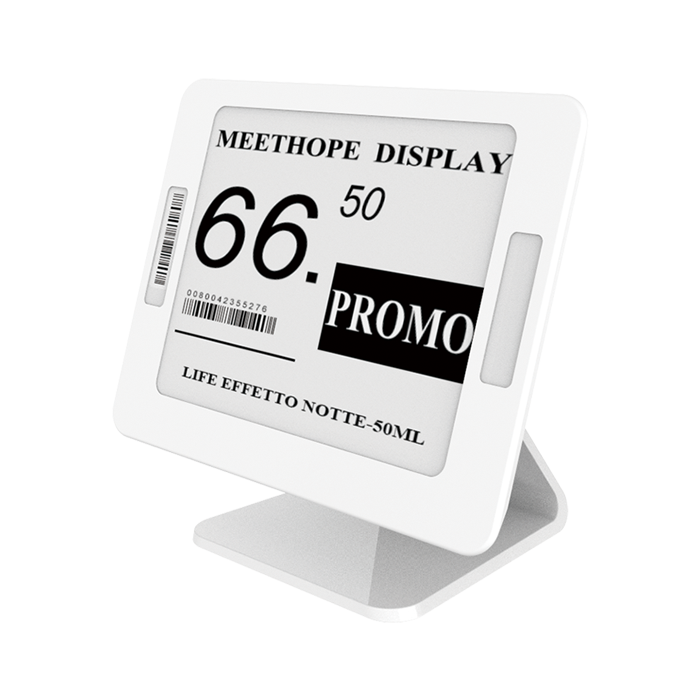
Electronic labels take the card out of the process. The item data lives in one system; staff change the menu or price once and every affected label updates. Because e-paper needs no power to hold an image, labels stay readable all day on a single coin-cell battery, without cables across the counter.
About the examples below: these projects were delivered between 2021 and 2023 by our founder Panda Wang and members of our team, before the AiEInkSmart brand launched in 2024. Customer names are withheld.
Food counters and takeaway
Example: sushi takeaway counters, Australia
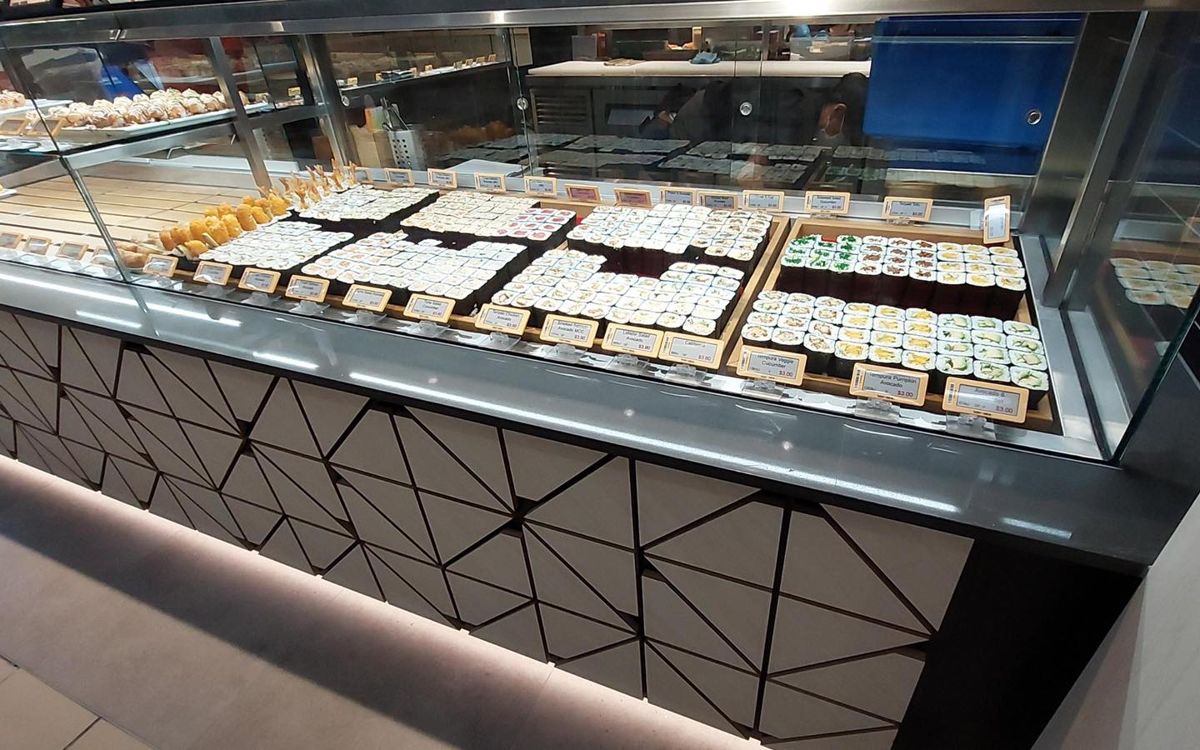
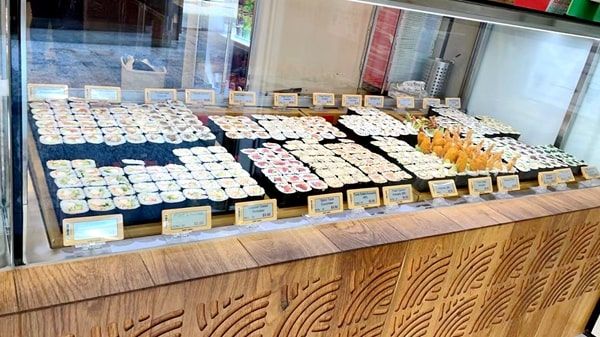
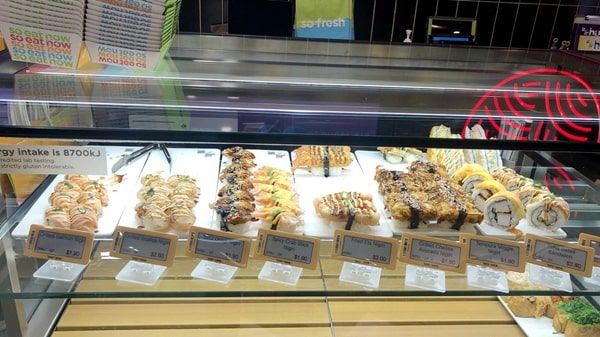
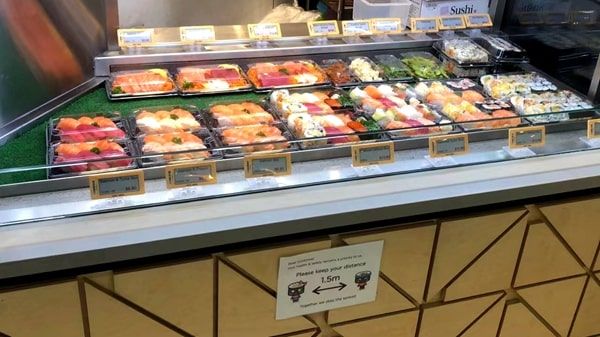
A sushi takeaway chain in Australia displays dozens of different rolls, nigiri and boxes in long refrigerated counters. Each tray has its own small electronic label on the front rail, showing the product name and price, and larger chilled trays carry labels on the edge of the display. When the range changes — new seasonal rolls, a lunch combo, or a price update across stores — the labels can be updated centrally instead of reprinting dozens of cards per store.
What this kind of counter teaches: labels must sit low and close to each tray so customers can match price and product through the glass, the text has to be large enough to read from the customer side, and the housing must tolerate the cold, humid air of a refrigerated counter and frequent wiping.
Refrigerated sushi counters with one label per tray.
The same approach works for deli and salad bars, bakery cases and hot-food counters. In bakeries, labels in front of bread baskets and pastry trays make it easy to mark items as sold out or reduced late in the day; in cafés, grab-and-go chillers use standard shelf-edge labels exactly like a supermarket.
Hotels: lobby shops, F&B and meeting rooms
Example: hotel lifestyle shop, China
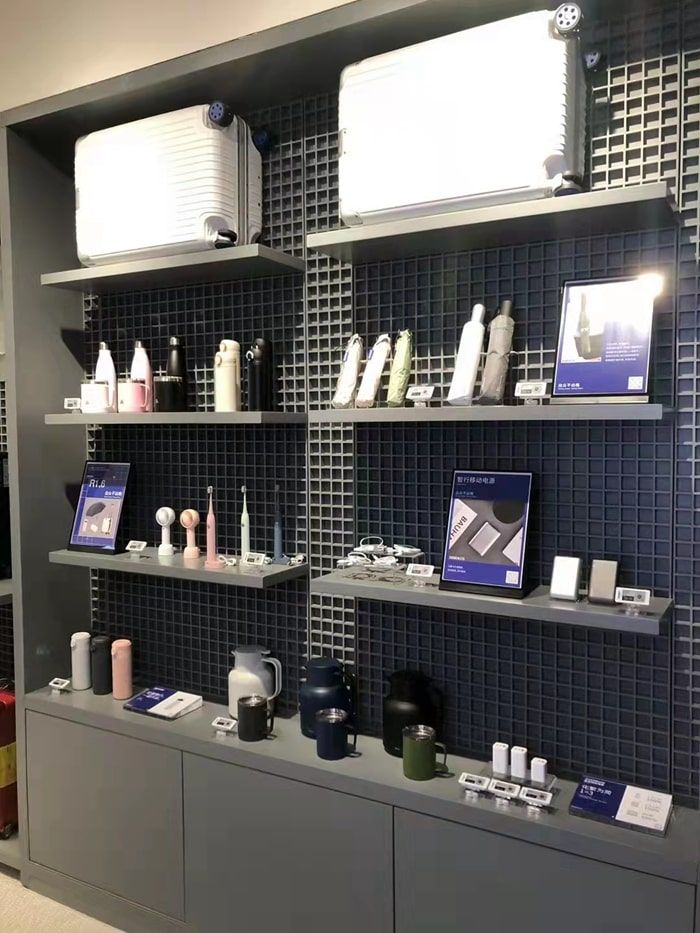
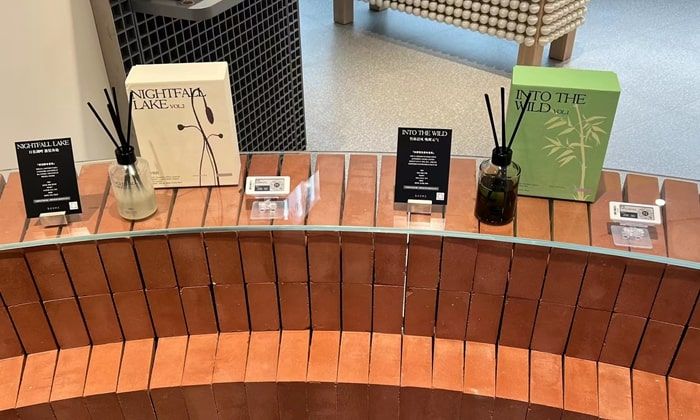
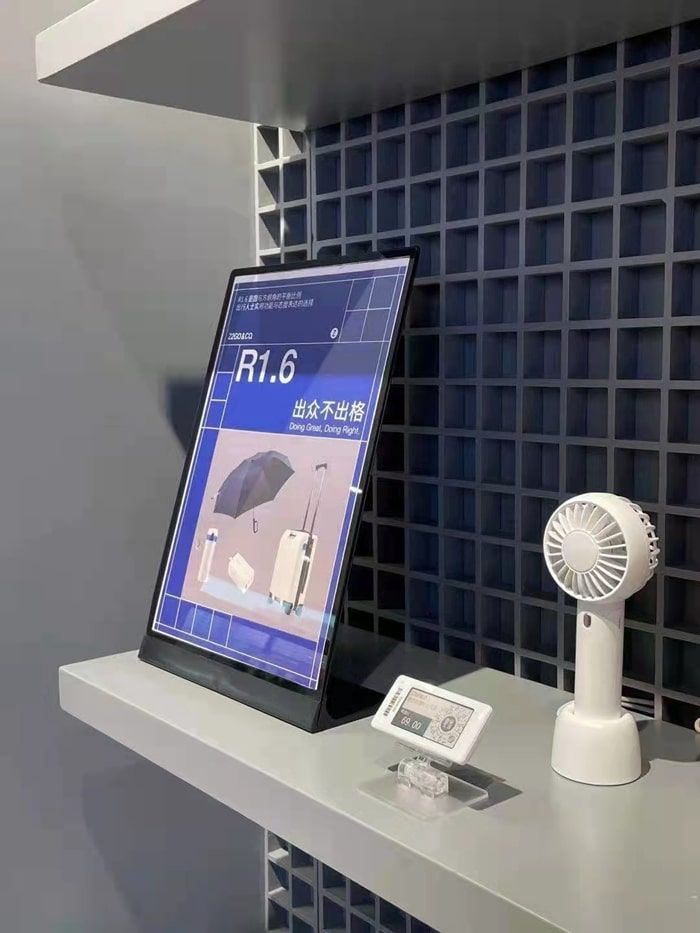
A hotel group sells the products guests experience in its rooms — bedding accessories, aroma diffusers, small appliances and travel items — in a lifestyle shop off the lobby. Small electronic labels sit next to each product on the display wall and counter, so prices and promotions can be changed from the system rather than by reprinting cards, and the minimal e-paper look fits the hotel’s interior.
Lobby lifestyle shop with labels matching the hotel interior.
Beyond retail, hotels use the same system for:
- Buffet labels — dish names in several languages and allergen icons, changed between breakfast, lunch and dinner.
- Meeting-room door signs — 7.5" e-paper signs showing the event, company and time, updated from the booking system (see corporate & education).
- Minibar and room-service price cards — one update instead of reprinting cards for every room.
Wine, spirits and tasting rooms
Example: baijiu tasting centre, China
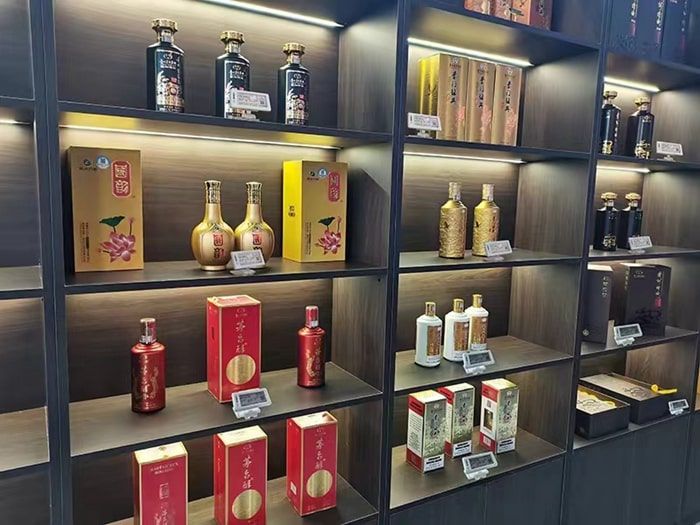
A tasting centre for Chinese baijiu displays premium bottles on illuminated wooden shelving. Electronic labels on the shelf edges show each product’s name and price, keeping the display uncluttered while allowing prices of collectible bottles to be adjusted as the market moves.
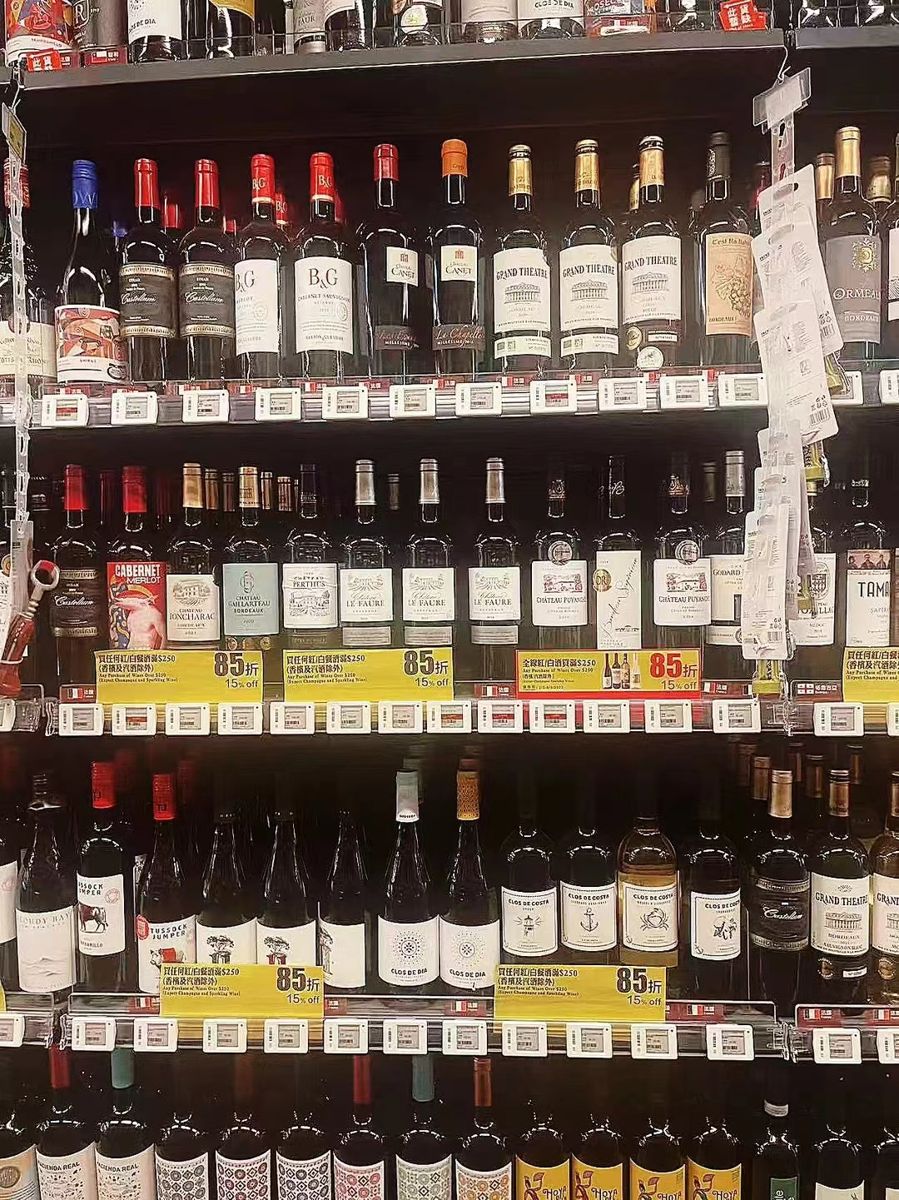
Spirits and wine shelving with shelf-edge labels.
For wine and spirits, a 2.66"–2.9" label leaves room for vintage, region, grape or a tasting note beside the price, and four-colour labels can highlight a bottle of the week. A QR code on the label can link to a producer page or food-pairing notes.
Time-based pricing, markdowns and sold-out items
Food has a shelf life measured in hours, which makes pricing in food service more dynamic than in most retail. Electronic labels make several common practices practical that are hard to manage with paper:
- End-of-day markdowns. Bakery, sushi and deli items can be reduced in the last hours before closing to cut waste. With labels, the reduction is scheduled or triggered from the system and appears on every affected tray at once, instead of staff writing stickers by hand.
- Happy hours and lunch specials. Drinks and set menus can switch to a different price at a set time and switch back afterwards, without anyone changing cards.
- Sold out and “back soon”. When a dish runs out, the label can say so, which avoids disappointed customers queuing for an empty tray.
- New and seasonal items. A “new” or “seasonal” flag highlighted in red or yellow on four-colour labels draws attention without extra signage.
Whether a change is scheduled or made by staff, the same item data drives the label and the POS, so the price a customer sees at the counter is the price they pay.
Managing many outlets from one place
Restaurant and café chains usually want a central menu with local exceptions: a product range that applies to every outlet, regional prices, and items only some outlets sell. The ESL management system is organised by store, with labels and base stations registered to each location and products pushed from your central system. Head office can update the shared menu for all outlets, while an outlet manager handles local changes such as marking an item sold out or rebinding a label when trays are rearranged.
Because each label reports its battery level, signal and last update, the operations team can see from the dashboard which outlets have labels that need attention, rather than relying on store visits.
Template ideas for food and hospitality labels
- Counter item label: item name, price, one-line description and allergen icons.
- Combo or set label: set name, what it includes and the combo price, with the separate price struck through.
- Markdown label: regular price, reduced price in red and the time the offer ends.
- Buffet label: dish name in two languages, vegetarian or spicy markers and allergens, without a price.
- Wine label: name, vintage, region, price by bottle and by glass, and a QR code to tasting notes.
Templates are designed once in the browser-based editor and reused across outlets, so every location shows the same brand look.
What drives the cost of a food-service ESL project
The budget depends on the number of label positions per outlet and their sizes, the base stations needed to cover the counters and storage areas, mounting accessories for your counters and displays, waterproof or freezer models where needed, the software licence and the POS integration. For a chain, the per-outlet cost falls once templates and integration are built, because later outlets reuse them. We quote per project; a list of label positions per outlet is enough for a first estimate.
Hygiene, cold and allergen information
- Temperature. Standard labels work from 0 to 40 °C, which covers refrigerated counters; for freezer cabinets use freezer models rated from −25 to +30 °C.
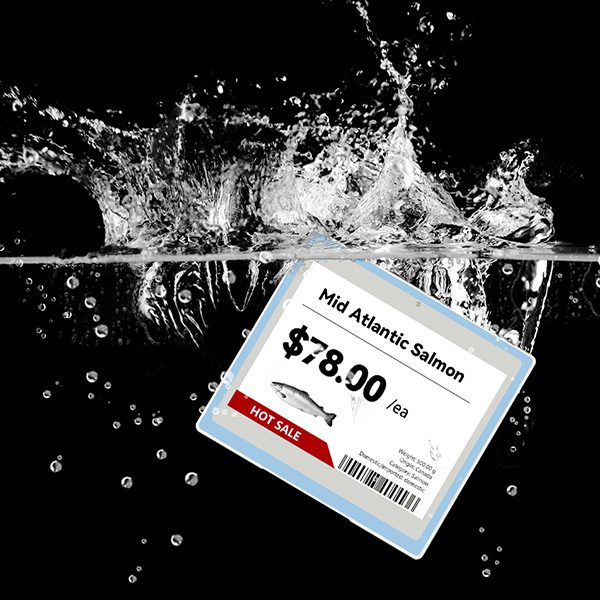
- Water and cleaning. Use the 4.2" waterproof label (IP67) where labels are splashed or wiped down often, such as seafood and salad bars.
- Allergens and ingredients. Add allergen fields to the item data so the label template shows them consistently. Keep a single source of truth: when a recipe changes in the system, every label for that dish changes with it.
- Languages. Templates can show two languages, useful for hotels and tourist areas.
- Placement. Mount labels on rails or clip stands outside the food zone, close enough for customers to match label and item through sneeze guards.
Label sizes for food and hospitality
| Position | Suggested size | Typical content |
|---|
| Sushi, deli and pastry trays | 1.54" – 2.13" | Item name, price |
| Grab-and-go chillers | 2.13" | Name, price, unit price |
| Wine and spirits | 2.66" – 2.9" | Name, vintage or region, price, QR code |
| Buffet dishes | 3.5" – 4.2" | Dish name in two languages, allergens |
| Wet counters | 4.2" waterproof | Item, price per kg |
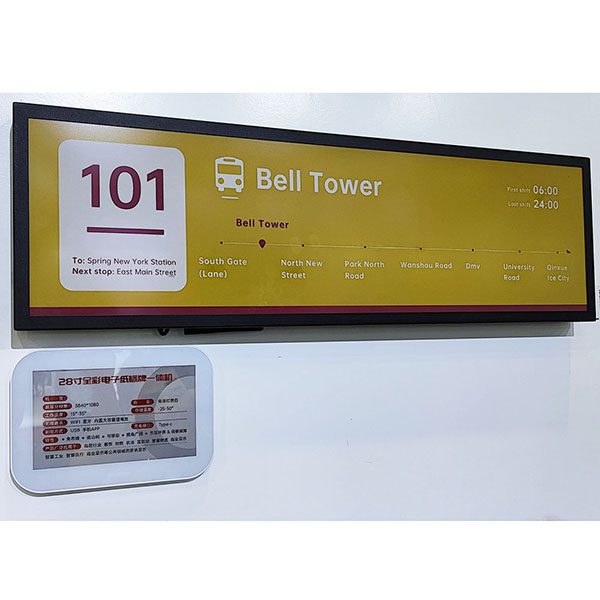
| Meeting-room doors, menu boards | 7.5" and larger | Schedule or daily menu |
Rolling out labels in a restaurant chain or hotel
- List label positions per outlet: trays, shelves, buffet stations, doors.
- Prepare item data — names, prices, allergens, translations — in your POS or back office.
- Pilot one outlet with an ESL demo kit to test templates and placement through the counter glass.
- Connect your POS to the ESL management system through the REST API, so menu and price changes flow automatically.
- Install base stations (one AES-AP01 typically covers a 20–25 m radius indoors) and bind each label to its item.
- Train the team to swap items between trays, mark sold-out items and replace batteries when the system flags a label.
Why e-paper rather than screens
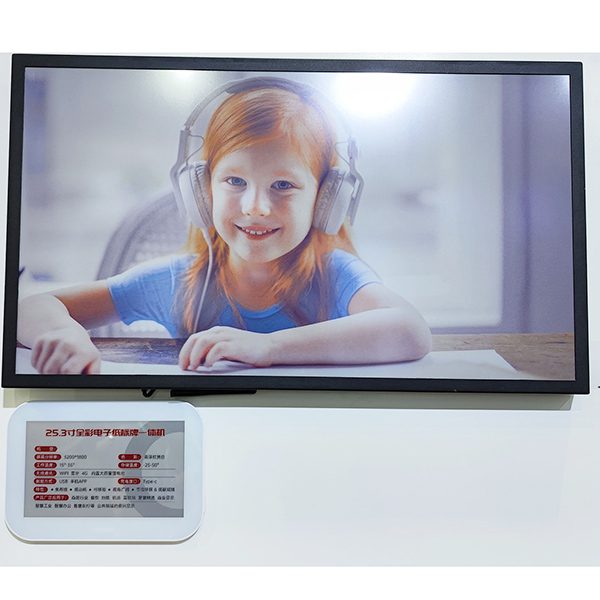
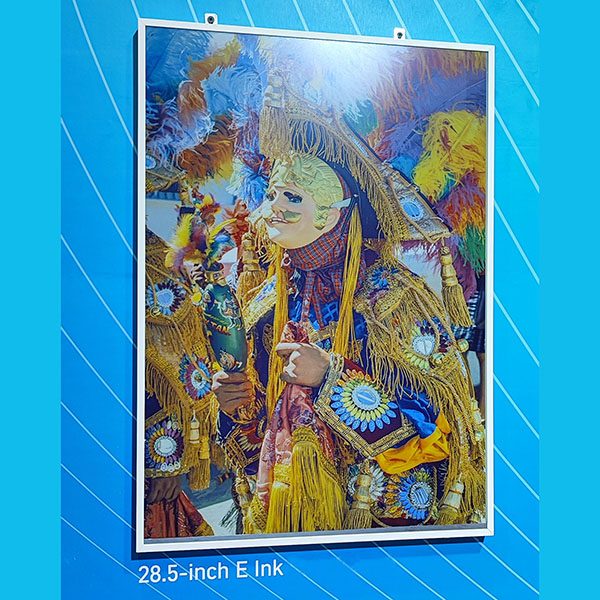
Small LCD screens can show the same content, but each needs power, so every counter position needs wiring, and backlit screens add heat and glare next to food. E-paper labels run for years on coin cells, look like printed paper, stay readable under bright counter lighting and only use energy when the content changes. For menu boards and larger signs, e-paper display signage offers the same advantages at a larger size.
FAQ
Can electronic labels be used in refrigerated food counters?
Yes. Standard labels operate from 0 to 40 °C, which covers chilled counters; freezer models work down to −25 °C, and a waterproof IP67 model is available for wet areas.
Can labels show allergen information?
Yes. Allergens are added as fields in the item data and shown by the label template, so they stay consistent with the recipe in your system.
Can we change the menu between breakfast, lunch and dinner?
Yes. Labels are rebound or updated from the system for each service, so the same hardware shows the right dishes and prices all day.
Do the labels connect to restaurant POS systems?
Yes. Your POS or back office pushes item and price data through our REST API; integrators can also license the MQTT protocol.
How are the labels cleaned?
Wipe them with a damp cloth like other counter equipment; for areas that are splashed or hosed down, use the IP67 waterproof model.
Can prices change automatically at certain times of day?
Yes. Price changes can be scheduled from your system — for example lunch specials, happy hours or end-of-day markdowns — and every affected label updates at the same time.
Can one system manage all our outlets?
Yes. The management system is organised by store, so head office can update shared menus and prices while each outlet handles its own local changes.
Running counters, cafés or hotels? Tell us how many outlets and label positions you have, and we will suggest sizes, mounting and a pilot setup — or start with an
ESL demo kit.